
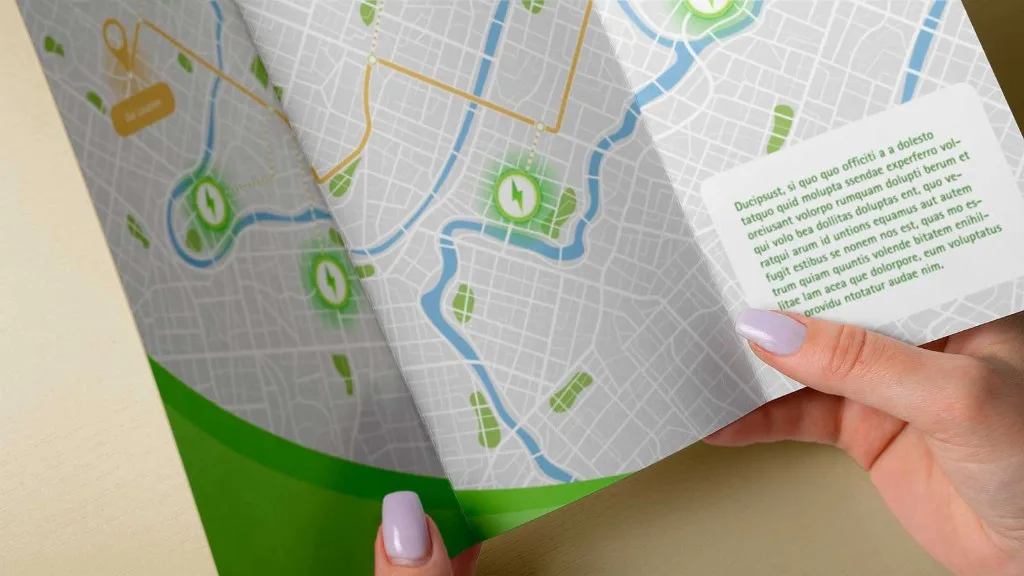
Maps come up in design work more often than most designers expect. The location of a client's storefront, directions on a brochure, a visitor guide for your local town – sooner or later, something needs a map.
But vector maps occupy a strange gap in the designer's toolkit – they are too specialised for stock libraries, and too niche for mapping platforms to bother with. So where do designers actually get them from? Are there easy ways to vectorise a map?
Here's an honest look at the options.
The usual workarounds
Stock libraries
An obvious first stop for most design resources, but maps are too specialised to be well-served here. You might find a generic world map or street outlines of New York or Paris – but that's a tiny fraction of the world's geography. The chances of finding a usable map of the location you actually need are close to zero.
Mapping platforms
Google Maps, Apple Maps, and similar tools are built for navigation, not design. What you can export (if export is even an option) is generally a raster image or a low-res screenshot – both unusable formats for most design projects.
Some platforms offer limited SVG outputs, but they’re generally built for web rendering: flat structure, no meaningful layer separation, all elements converted to outlines. Editing these maps in any design software is an exercise in frustration.
Map tools and plugins
There are a handful of existing tools that claim to convert map data into vector files, and on the surface they do. But the catch is that most of them were built for technical users (GIS specialists and data teams) rather than designers.
Interfaces are clunky or complex, and pricing is often steep – with some charging hundreds of dollars per map for limited commercial licenses. For designers and studios who just need a clean file, this overhead rarely makes sense.
Manual tracing
This is where most designers reluctantly end up. Screenshot an existing map, open it in Illustrator or Figma, and start tracing every road by hand. While the results can be good (because you have full control over the output), this method of converting a Google Maps screenshot into a vector map is slow, and the accuracy is approximate at best. And if drawing roads for hours doesn’t give you a headache, the licensing situation is murky enough to make your stomach turn.
MapVG: Quality vector maps for designers
So if none of these options are viable solutions, then where can designers find quality vector maps? The answer is MapVG – a map-to-vector tool built specifically for designers and makers who need clean, quality vector maps for personal and commercial projects.
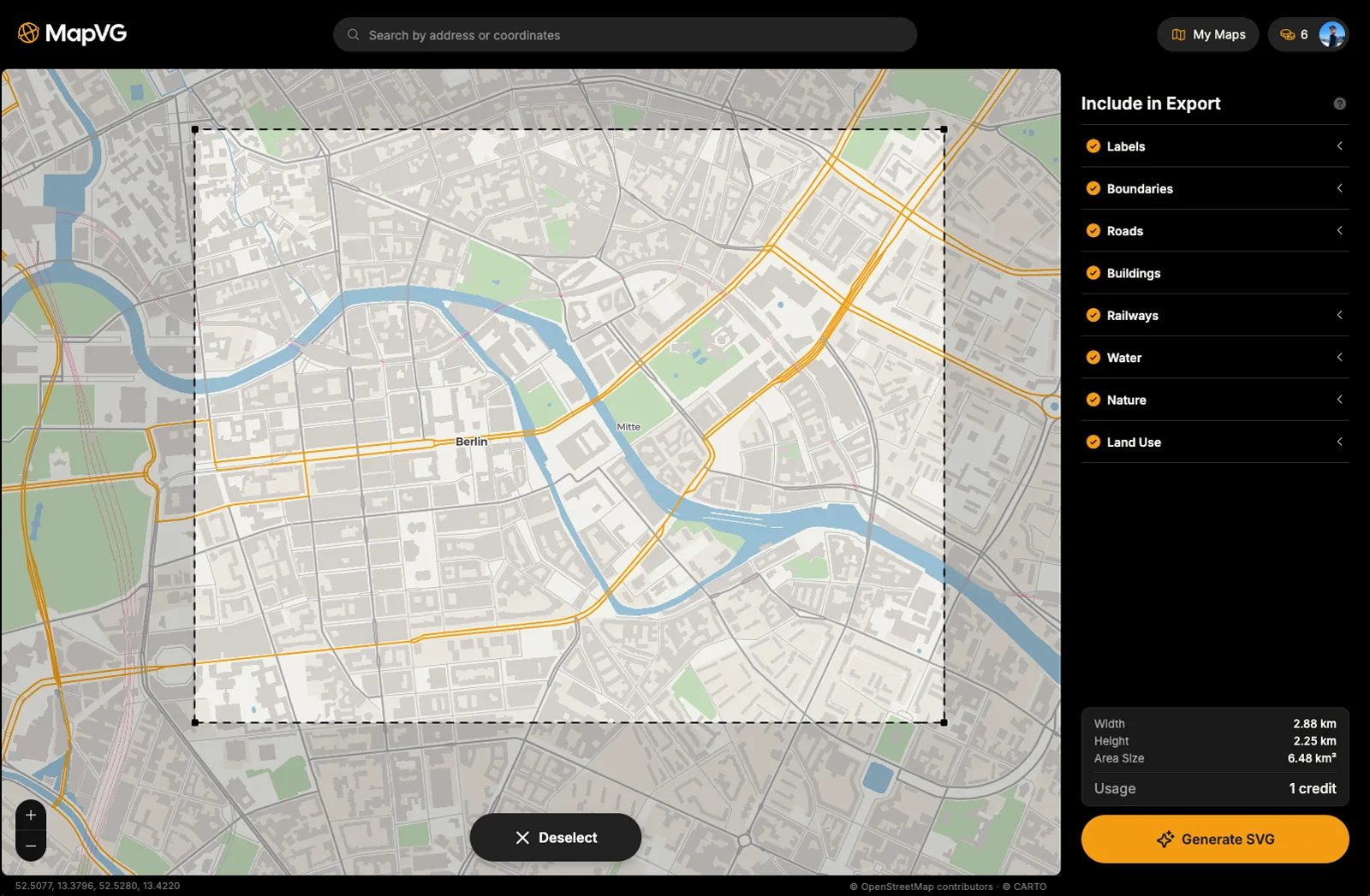
Simply select your area in the browser-based editor, select what layers to export, and hit "Generate SVG". In just a few seconds, MapVG pulls live, up-to-date geometry from OpenStreetMap® and generates a layered SVG file – with roads, water, green space, and buildings in separate named layers that open directly as Illustrator sublayers.
And since MapVG is created with professional designers in mind, any files generated can be used in print and online, for personal and commercial work – no time limits or unit restrictions. See our Licensing Guide for more details.
Try MapVG for free
MapVG's credit-based model provides transparent, pay-as-you-go pricing with no subscription required. Test any location on Earth by exporting an area up to 1 km² for free – no credit card required. Simply open the MapVG editor, create an account, and save hours of manual work with MapVG and a few clicks.