
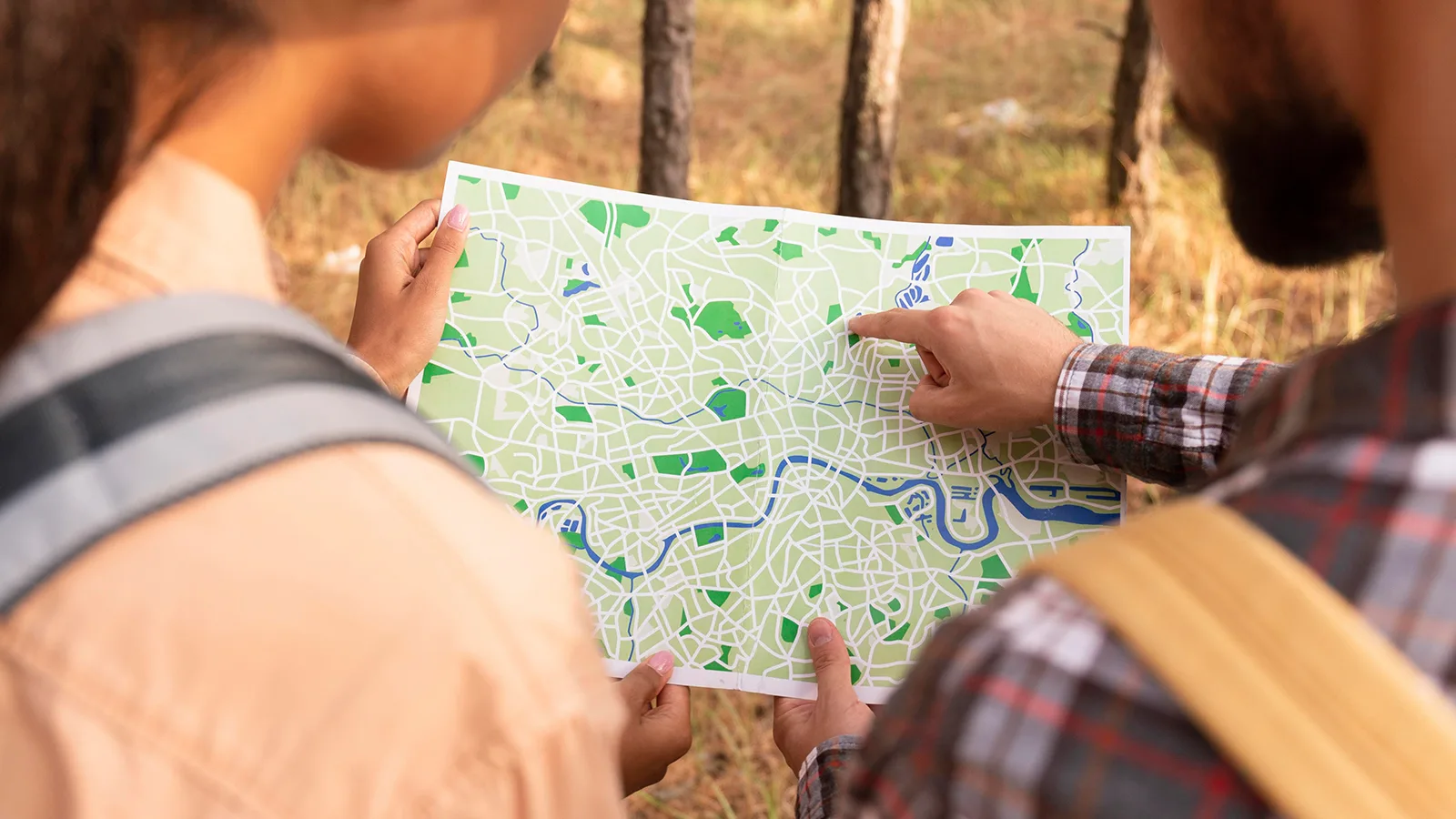
As a graphic designer based in New Zealand – where tourism is one of the country's biggest industries – maps were an integral part of my daily job. From visitor guides and navigation maps for towns and cities, to brochures for tourism providers across the country: someone always needed a map.
I'm Jo, graphic designer, entrepreneur, and founder of MapVG – the map-to-vector tool I spent ten years wishing existed. Here's why I built it.
A problem that shouldn't exist
Our clients needed maps regularly. So I was constantly on the hunt for resources, tools, and plugins that could turn the towns and regions of our remote little country into clean, editable vector maps. Every few months I’d google for “map-to-SVG generators” and better ways to “vectorise maps”.
After some digging, few options emerged – and on paper, they often sounded promising. But in reality, they never quite worked:
Some tools felt like they were built for data specialists, not designers. I'd find myself battling export settings, coordinate systems, and file configurations – doing work that had nothing to do with design. Other sites claimed to offer quality maps without the headache, but their steep price tags (sometimes in the thousands of dollars) were way too high to justify to a client.
Occasionally, tools got closer: Exporting was easy (and in some cases even free), but the files were messy, unorganised, and often required hours of cleanup before you could even start designing. One of the biggest frustrations: roads and paths exported as filled outlines instead of strokes. The file might look like a map, but it didn't behave like one. Styling it in Illustrator quickly turned into a nightmare.
So eventually, I always ended up doing what I knew worked best: Manual tracing. For some projects, I'd spend days (sometimes weeks) doing nothing but drawing roads over screenshots. And this method always worked. But it always felt like there should be an easier way.
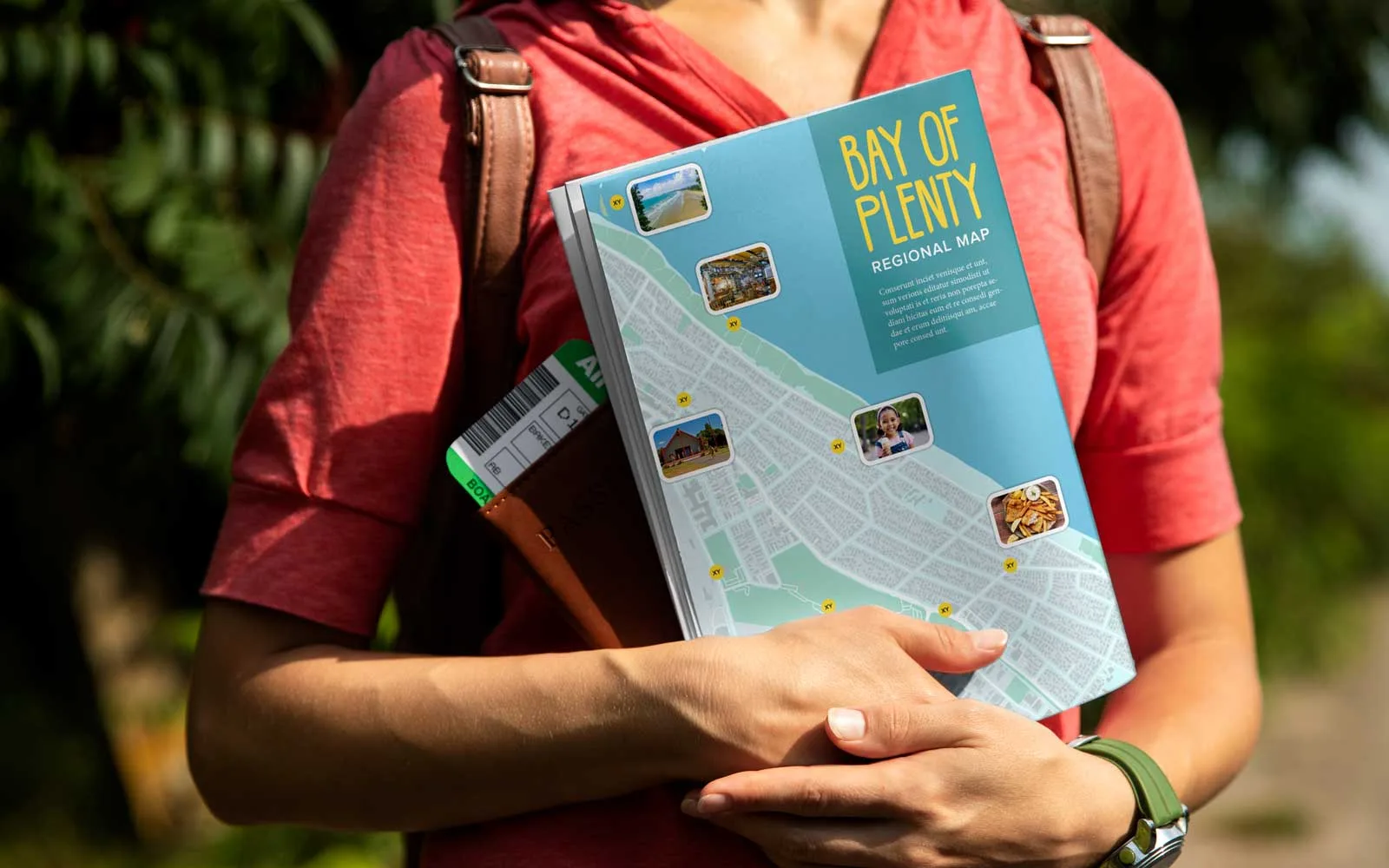
Building MapVG
For years I kept hoping that one day, a solution would appear – that somebody would release a tool that pulled real map geometry, exported clean vector files, and structured the layers the way a designer would actually want them.
Every so often, I'd go looking again. And every time – nothing. And with no proper developer background and very little coding experience, building the tool that I needed felt completely out of reach.
But that changed when artificial intelligence started reshaping what was possible in software development. By that point I'd already moved on from my previous role – yet the idea stuck with me. And with the help of AI, for the first time, building a tool like this felt much less intimidating.
So I decided to try and develop the world's first user-friendly, affordable map-to-vector tool, made for designers and anyone who needs clean, editable maps for creative projects.
Building MapVG from the ground up took multiple attempts. There were challenges everywhere – from working with raw map data to generating clean, structured SVGs that actually behaved properly inside design tools.
But it all paid off when – after a few iterations – I opened my first automatically generated map in Illustrator in early 2026.
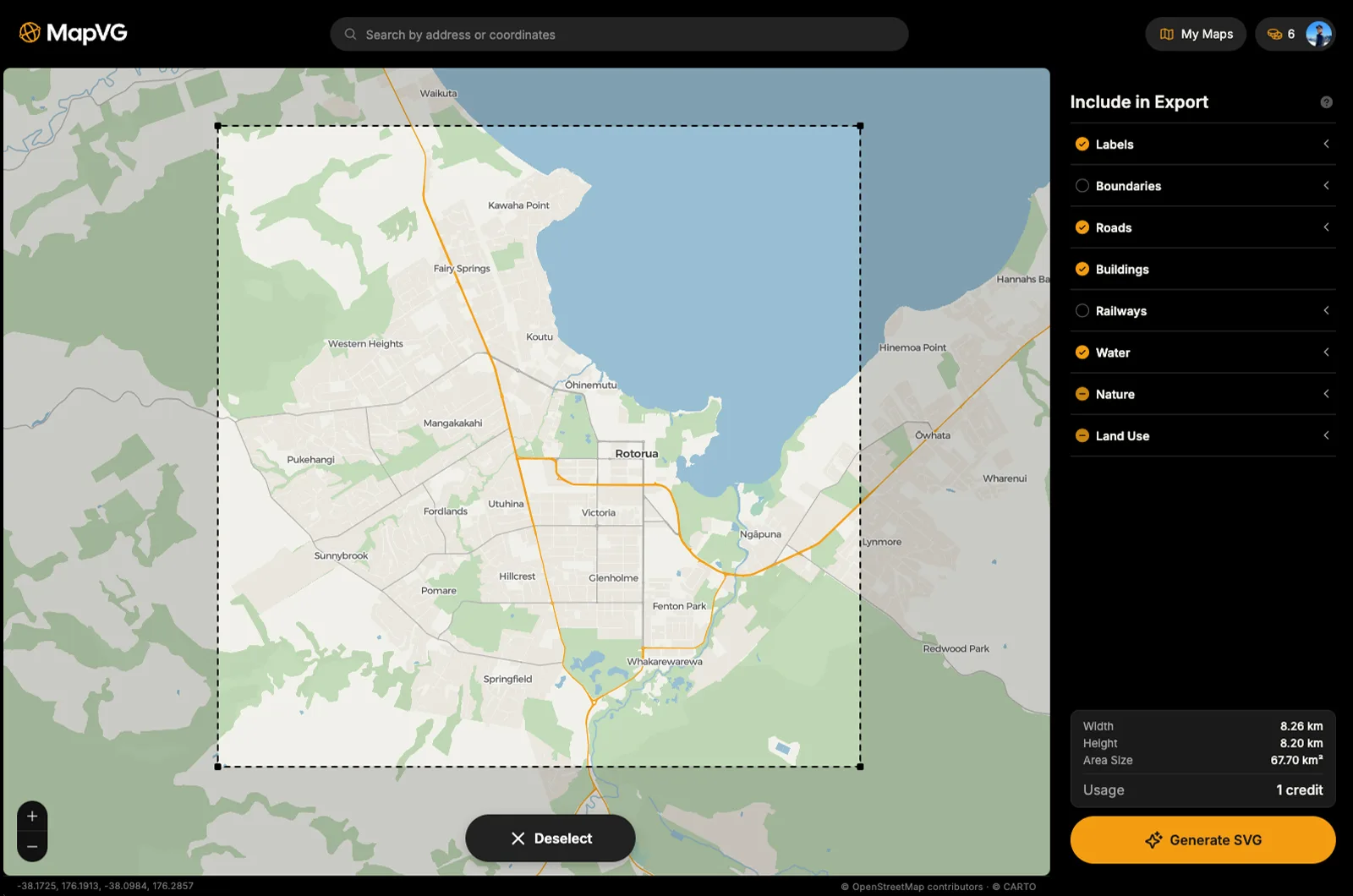
After weeks of trial and error, and refining the workflow, the software finally reached a point where it could generate highly detailed, layered SVG maps of any place in the world. From small New Zealand towns, to big cities like London, New York, or Tokyo – MapVG now turn areas up 2,000 km² into quality vector maps in a matter of seconds. No cleanup. No restructuring. No redrawing. Just a clean, usable map.
Try MapVG for free
MapVG is now live, and I'd love for you to try it, free of charge:
Small test patches up to 1 km² (about 0.4 mi²) are completely free to generate and export – no credit card required. Simply sign up in the MapVG editor, draw a bounding box anywhere on Earth, and export clean, production-ready vector maps – with named layers, editable strokes, and none of the usual bloat.
If you give it a go and have any feedback, requests or issues, please get in touch or submit the feedback form within the editor. I'd love to hear your feedback as I continue to develop and refine the software and its outputs.
I hope you enjoy MapVG, and that it will save you many hours of work.
Happy map-making.